
Lipi is an offline AI voice assistant for Mac and Windows. Speak in any of 99 languages and get accurate text in any of 106 languages, entirely on your own machine.
Offline AI voice intelligence. Talk in Malayalam, get English. Talk in French, get English. Talk in English, get Arabic. Every model runs on your own machine, so nothing you say is ever uploaded.
നാളെ നാലു മണിക്ക് മീറ്റിംഗ് ഉണ്ട്.
There's a meeting tomorrow at four.
- 99
- spoken in
- 106
- written out
- 0
- uploads
- 100%
- on-device
Dictation tools are everywhere. Nearly all of them only speak English.
If you think in one language and have to write in another, the crowded part of this market has nothing for you.
| Lipi | Cloud dictation tools | |
|---|---|---|
| Languages you can speak | 99 | English, mostly |
| Languages it can write | 106 | The one you spoke |
| Where your audio is processed | Your machine | Their servers |
| Works without internet | Yes | No |
How Lipi works
Sits in your menu bar. Triggers in two seconds. Types wherever your cursor already is.
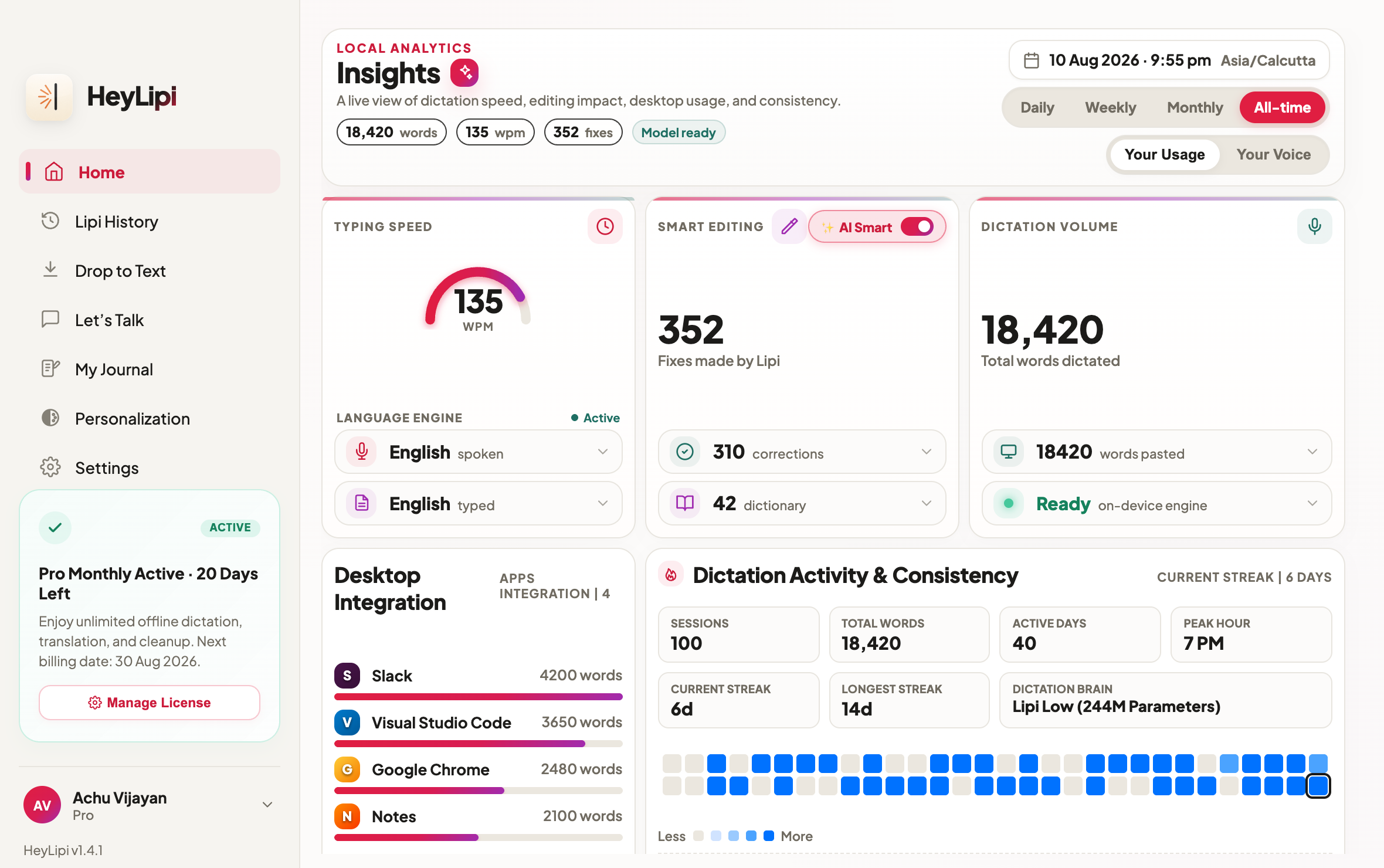
Your Dictation at a Glance
Watch typing speed, smart edits, dictation volume, desktop integrations, activity streaks, and model readiness update in one private on-device dashboard.
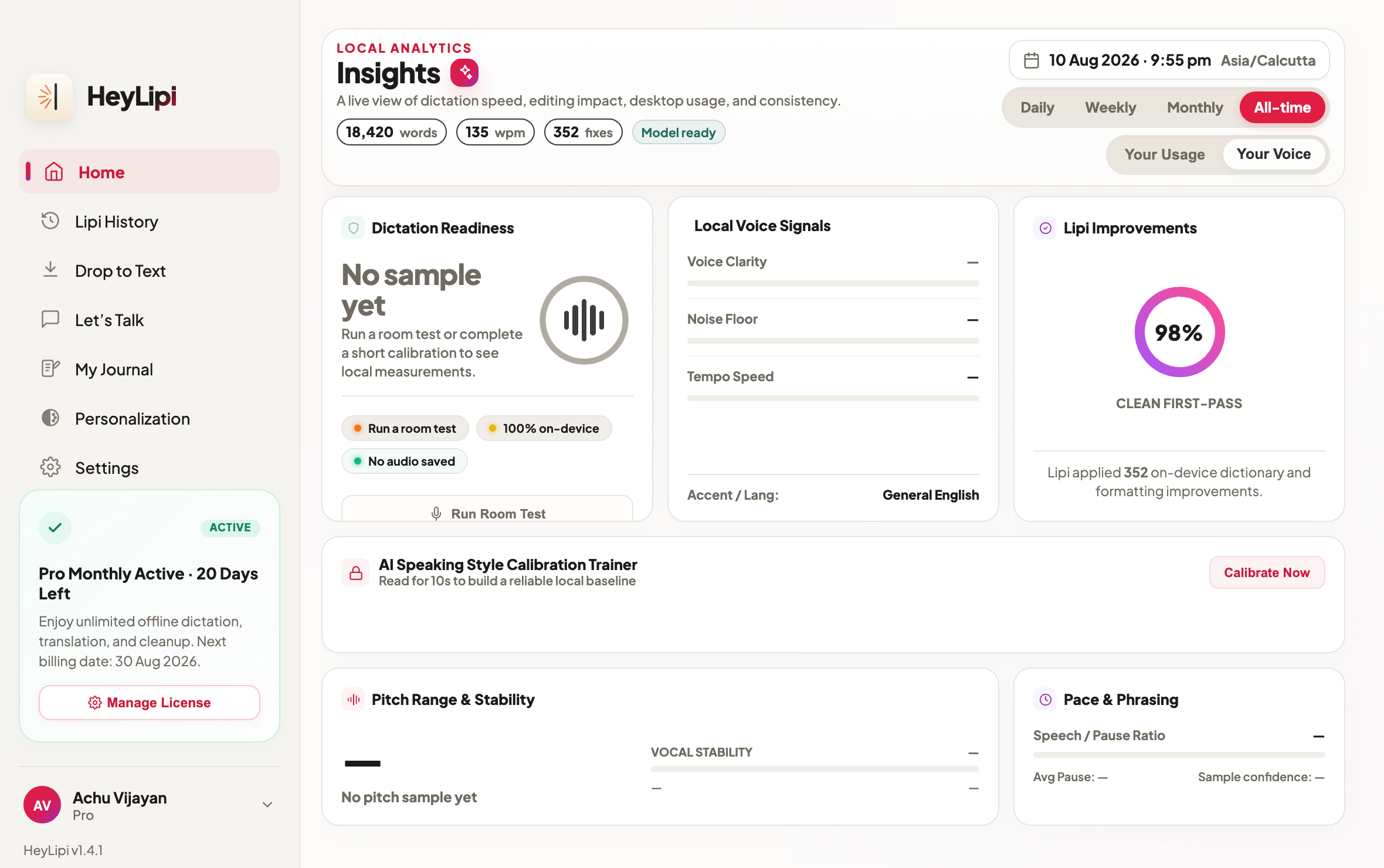
Understand How You Speak
See voice clarity, noise floor, tempo, speech cleanliness, pitch, tone, pace, and phrasing—analyzed locally without uploading your recordings.
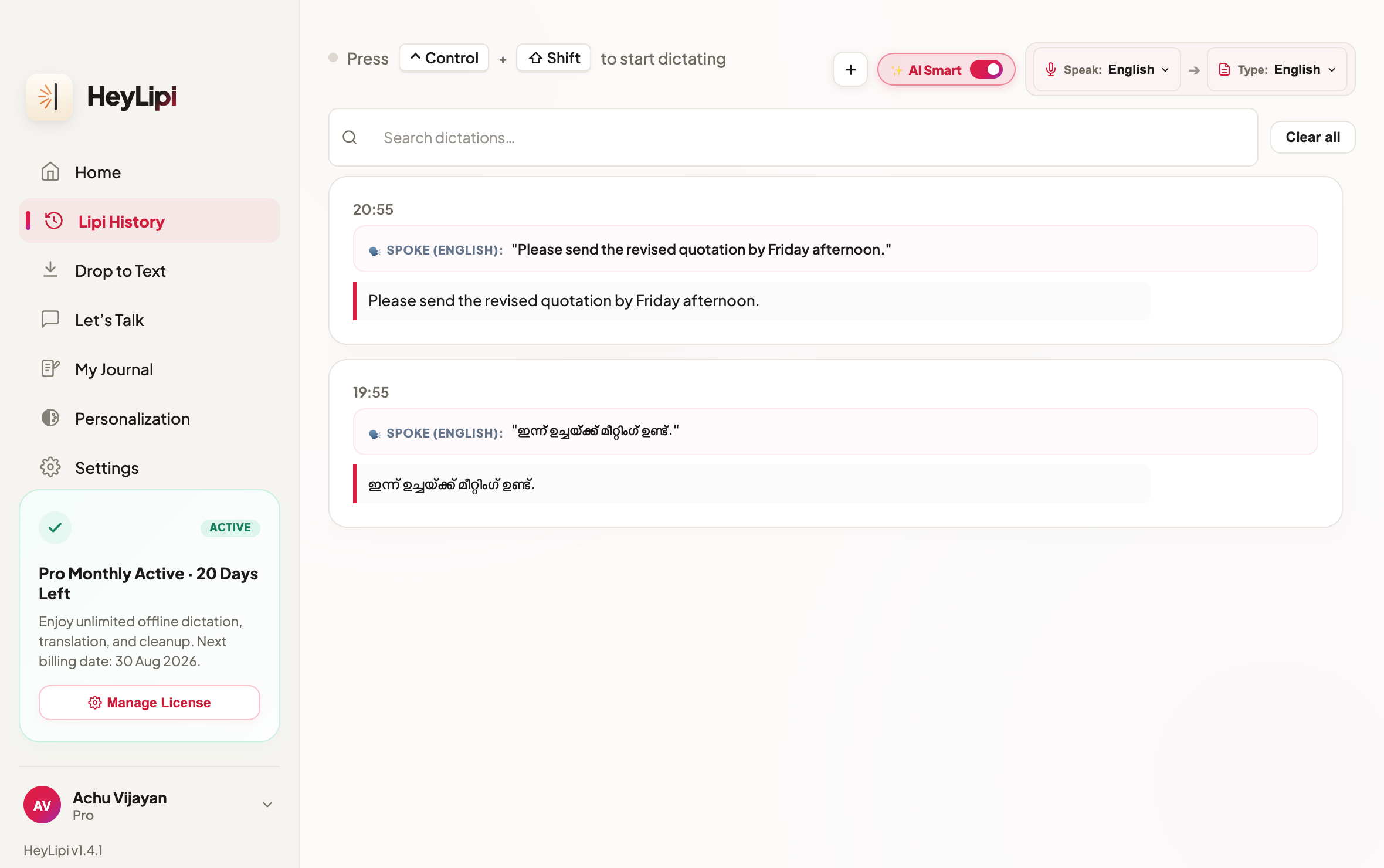
Double-Click to Copy Anything
Every voice transcription is stored in a clean, local history log. Need to use a past translation elsewhere? Simply double-click any past card to copy the text to your clipboard instantly.
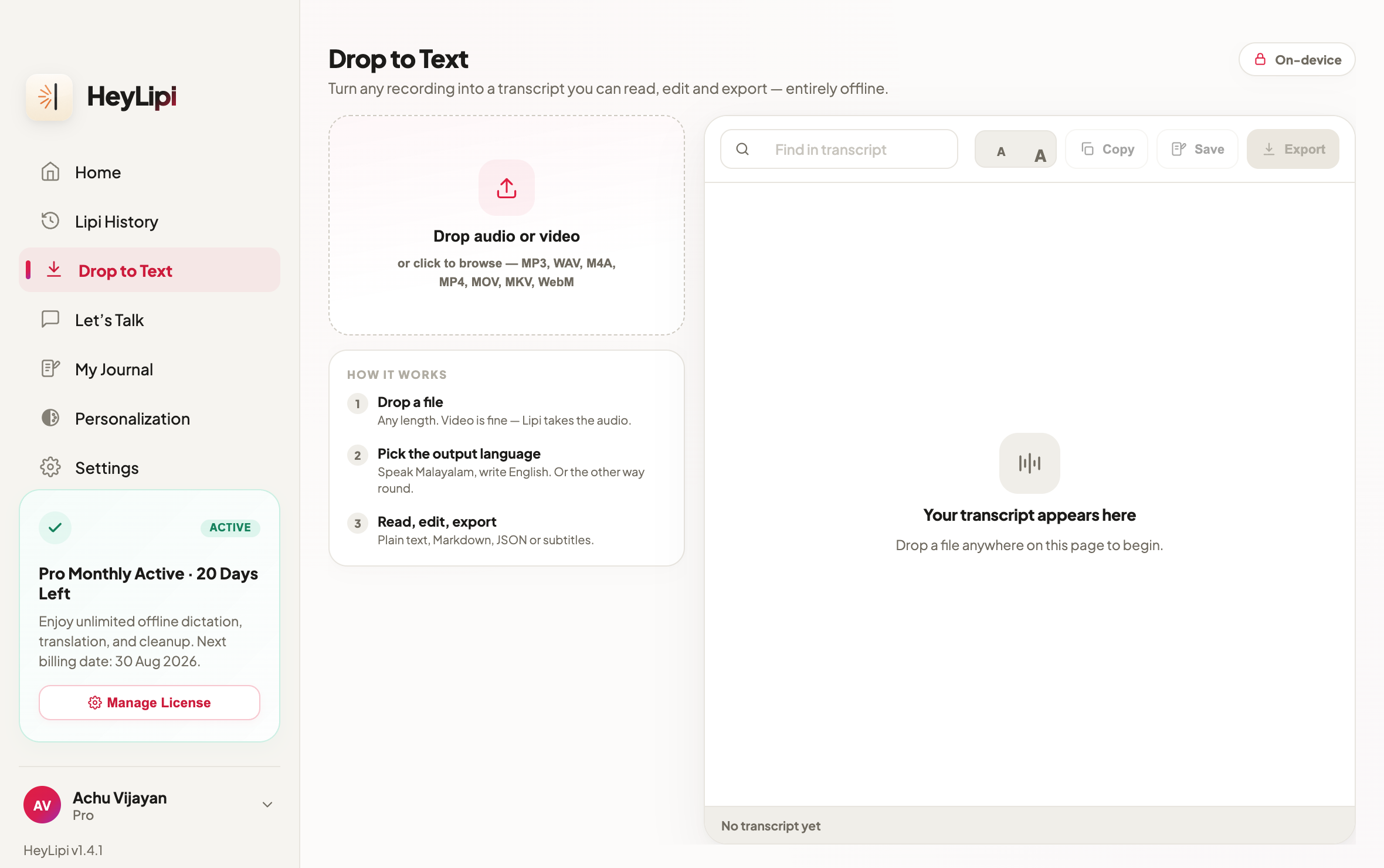
Drop In a File, Get It Back as Text
Drag in a recording, an interview, a lecture, a voice note. Lipi transcribes and translates the whole file on your machine — no duration ceiling, and nothing is uploaded.
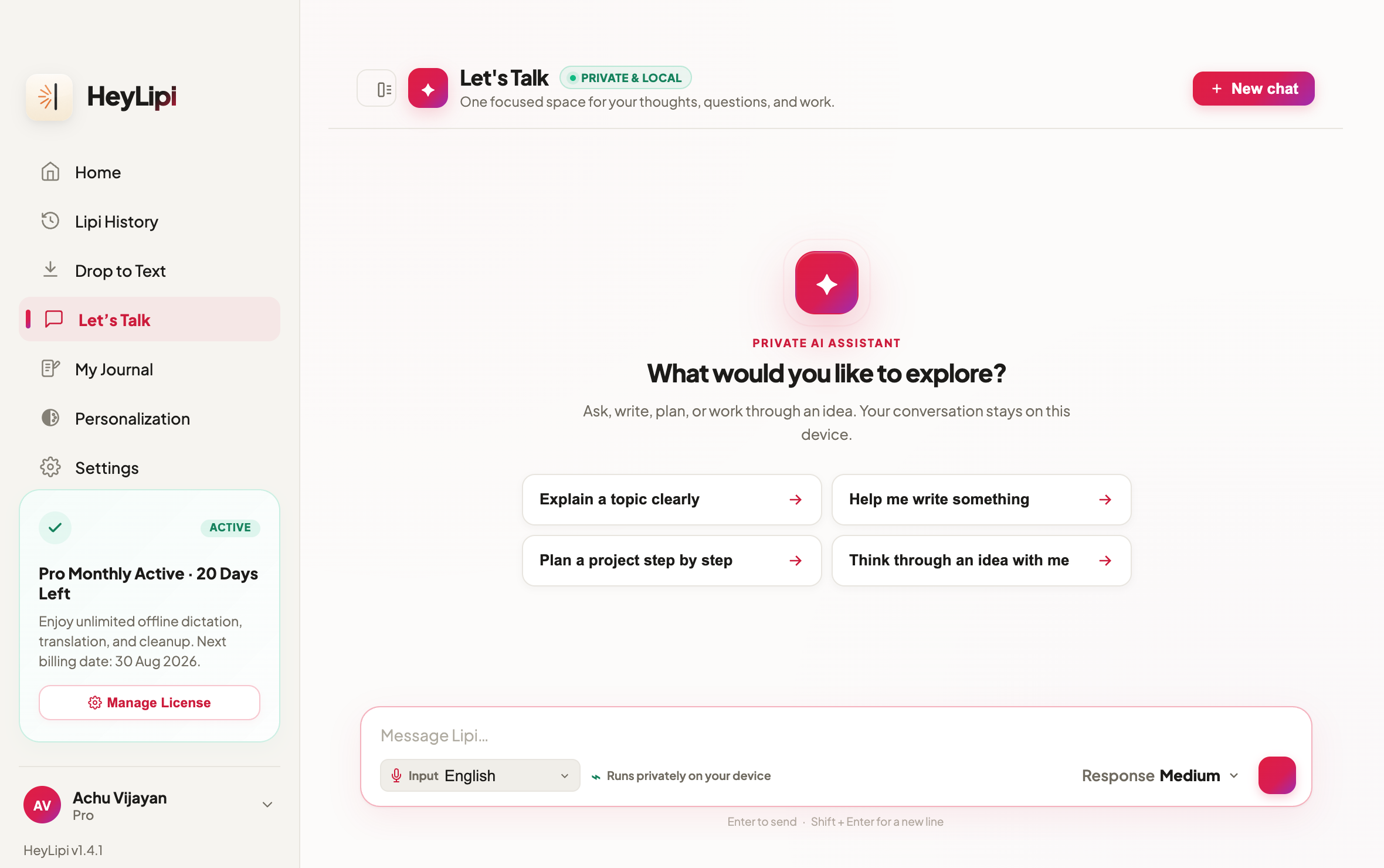
A Private AI Chat, Fully Offline
Ask questions, draft, and think out loud against the local model. Conversations are saved on your device, and the whole thing works on a plane.
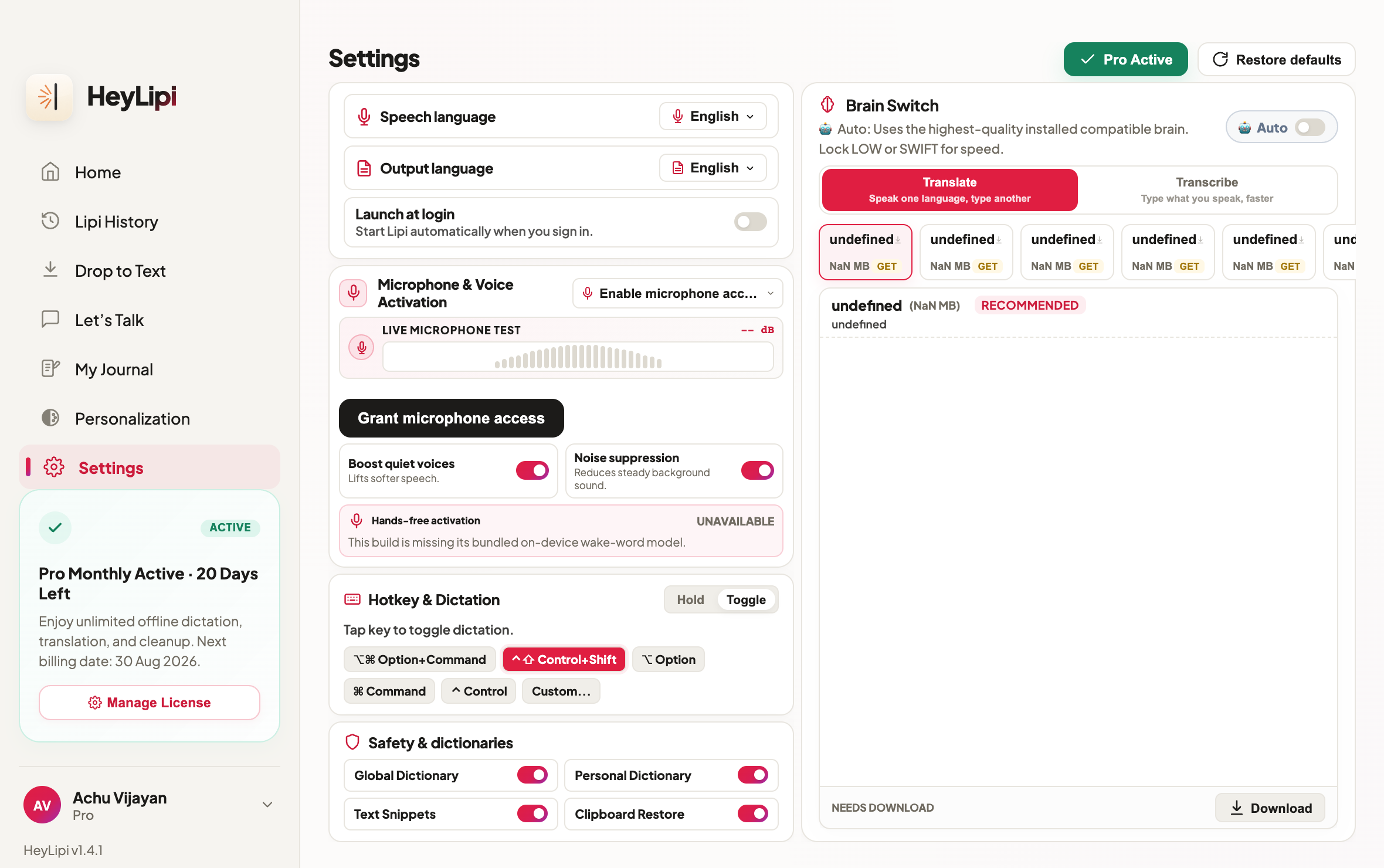
Pick Your On-Device Brain
Toggle hotkeys and speech models. Six brains, all free: LOW (190MB/fastest), SWIFT (538MB/English), MALAYALAM (539MB/native script), HIGH (539MB/Indian pairs), TURBO (574MB/multilingual), or PRO (1.08GB/flagship accuracy).
Press Ctrl + Shift
Lipi listens via background keyboard hooks. A floating audio wave overlay appears near your cursor to show it is recording. Rebind it to anything you like.
Speak in any language
Talk at your normal speed. The offline engine picks the right model and target language, and fixes grammar, on your CPU or GPU.
Press again to type
Lipi emulates native keystrokes to type the finished text directly into whichever app has focus. Audio is discarded immediately. Prefer holding a key? Switch to Push-to-Talk.
Everything runs on your machine
99 languages in, 106 out, and none of it leaves your computer.
Any language in, any language out
Two on-device models route by language automatically. You are not picking from a short list of supported pairs — any of the 99 you can speak combines with any of the 106 it can write.
Nothing is uploaded
No API keys, no network calls, no account needed to transcribe. Audio is deleted the moment the text exists, and it works on a plane.
Types into any app
Tap the hotkey, speak, tap again. Lipi emulates native keyboard presses, so the text lands wherever your cursor already is.
Cleans up as it writes
Shift tone to casual or professional, fix grammar, or summarise a transcript, using lightweight offline helper models.
Voice expansion shortcuts
Define spoken shorthand that expands into email signatures, boilerplate, templates, or whole markdown blocks.
Learns your vocabulary
Add names, abbreviations, slang, or technical terms to a personal offline dictionary so they come out spelled the way you mean.
Common questions
Speak the language you think in
Free for 5,000 words a week, on every language Lipi supports. No account needed to transcribe, and nothing you say leaves your computer.